Email signatures
Signatures are scoped per mailbox — your personal address, each shared address, and each agent desk keep their own set. One signature per mailbox can be the default, which is appended automatically when you start a fresh compose from that address.
Create or edit a signature
- Open the Sig menu
In the docked reply composer or the compose overlay, press Sig. The menu lists the current mailbox's signatures.
- Choose New signature (or pick one to edit)
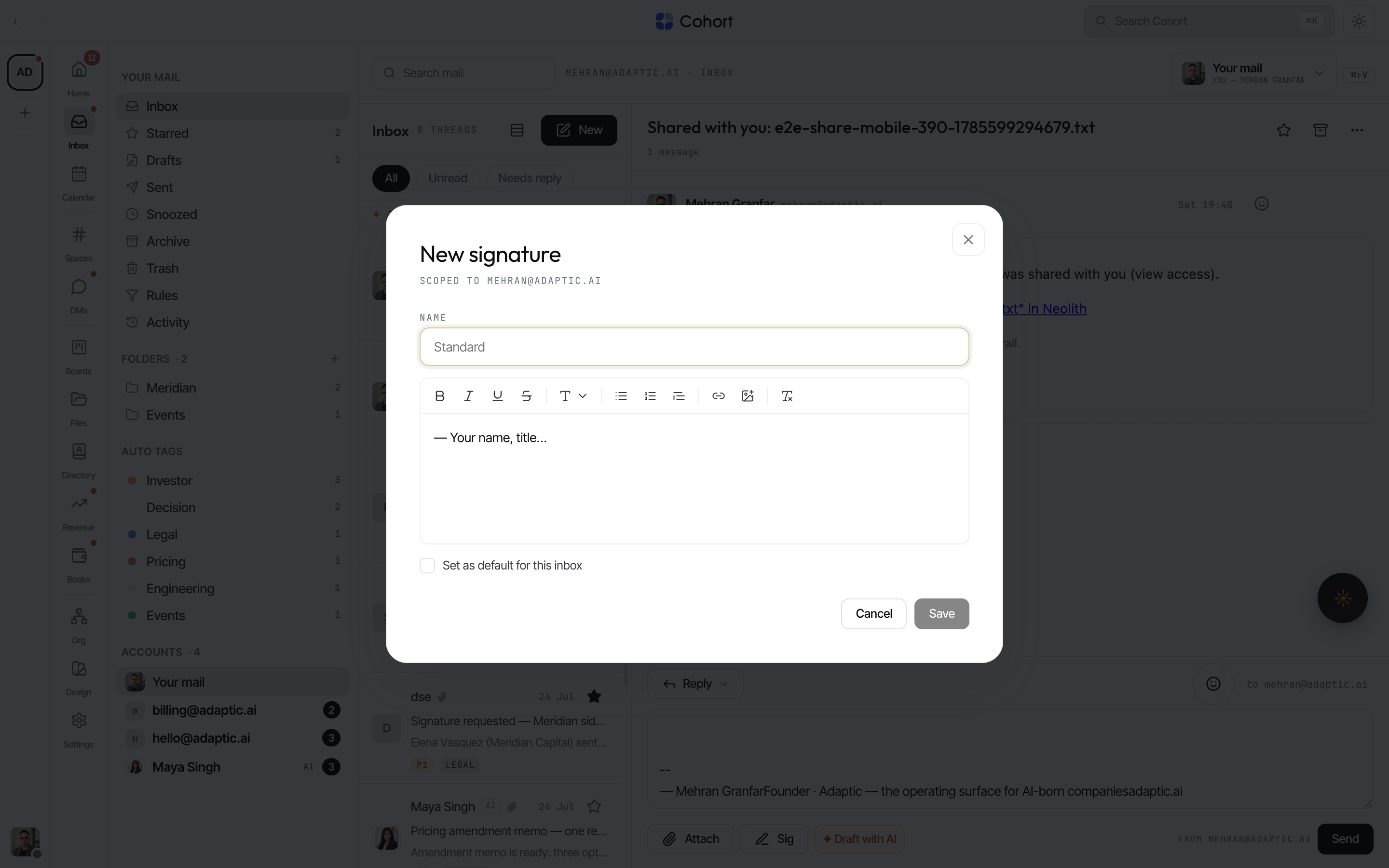
The editor opens, titled with the address it is scoped to.
- Name it and write the body
The name is what the Sig menu shows ("Standard", "Short", …). The body is a rich-text editor — formatting, links, and images all work.
- Set the default, then Save
Tick "Set as default for this inbox" to have it appended on fresh composes. Delete is available once a mailbox has more than one signature.
Paste an existing HTML signature
Most real-world signatures are built elsewhere — a logo table, brand fonts, a legal footer. Paste one into the signature editor and it keeps its styling: the pasted fragment is stored as a sanitized HTML block that is rendered, saved, and sent verbatim, instead of being flattened into the app's own text styles.
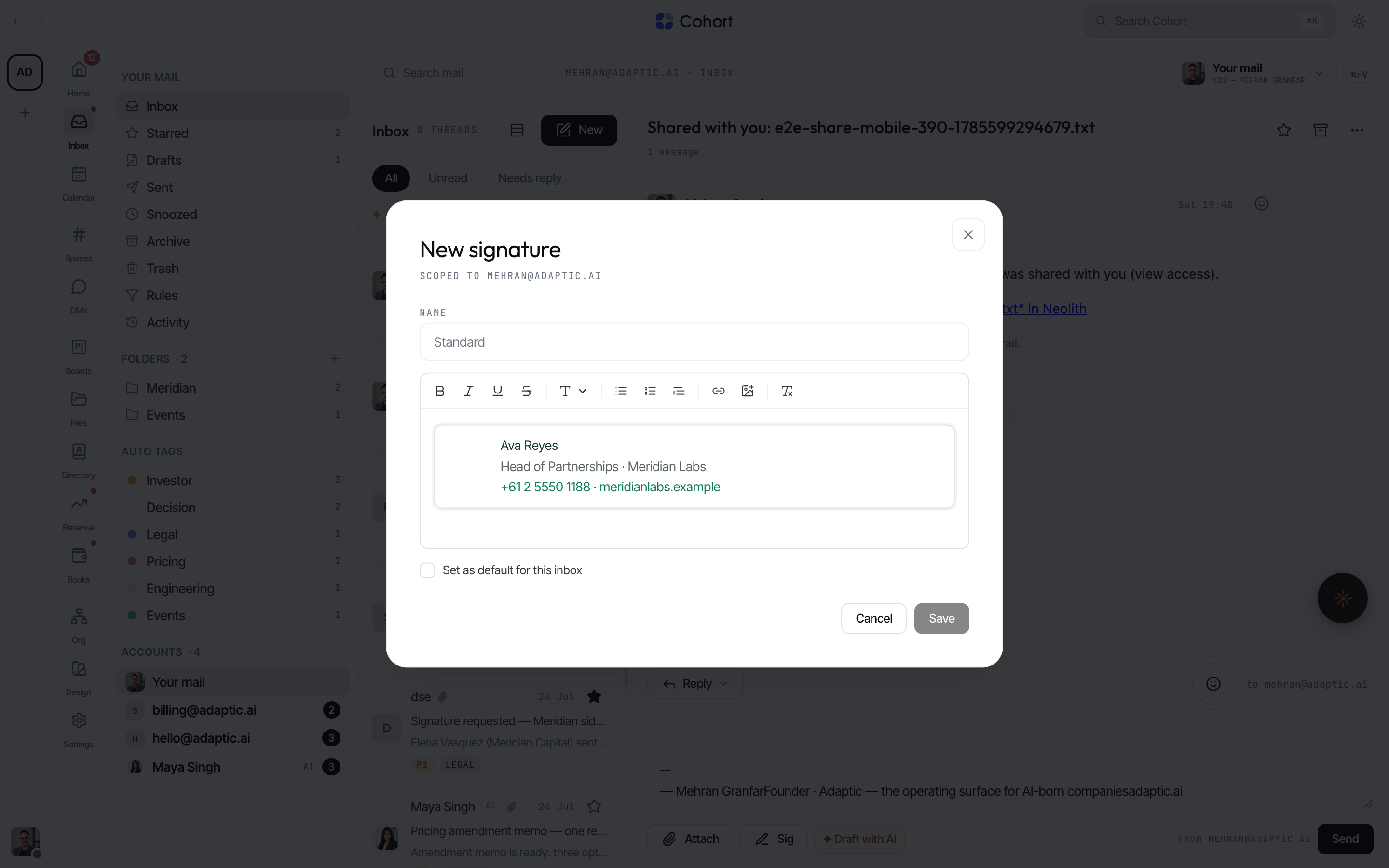
Two things follow from the verbatim treatment:
- The block is one unit. You can't place the cursor inside it and retype a word — select the block and delete it, then paste the corrected signature again (edit at the source, repaste here).
- It is sanitized, always. Scripts and style tags are stripped at paste, at render, on save, and at send; inline styles stay scoped to the signature itself and can never bleed into the app or break the email around it.
Plain typed signatures are ordinary editor content and stay editable in place — the verbatim treatment only applies to rich pasted fragments that the editor could not otherwise represent faithfully.
Use a signature while writing
The Sig menu in either composer inserts any of the mailbox's signatures at the caret, and is also where New signature and Edit live. Replies use the same per-mailbox set as fresh composes.
Signatures on an agent's mailbox work the same way — set a default there and the agent's outbound drafts carry it. Guardians can edit an agent desk's signatures from the same Sig menu when acting in that viewpoint.