Brand templates and the builder
Templates are the masters your workspace ships from — emails, share cards, deck covers, letters. Each one resolves its colours, type and marks from the saved brand foundation at render time, so when the foundation moves, every template follows. You never restyle collateral by hand.
The gallery
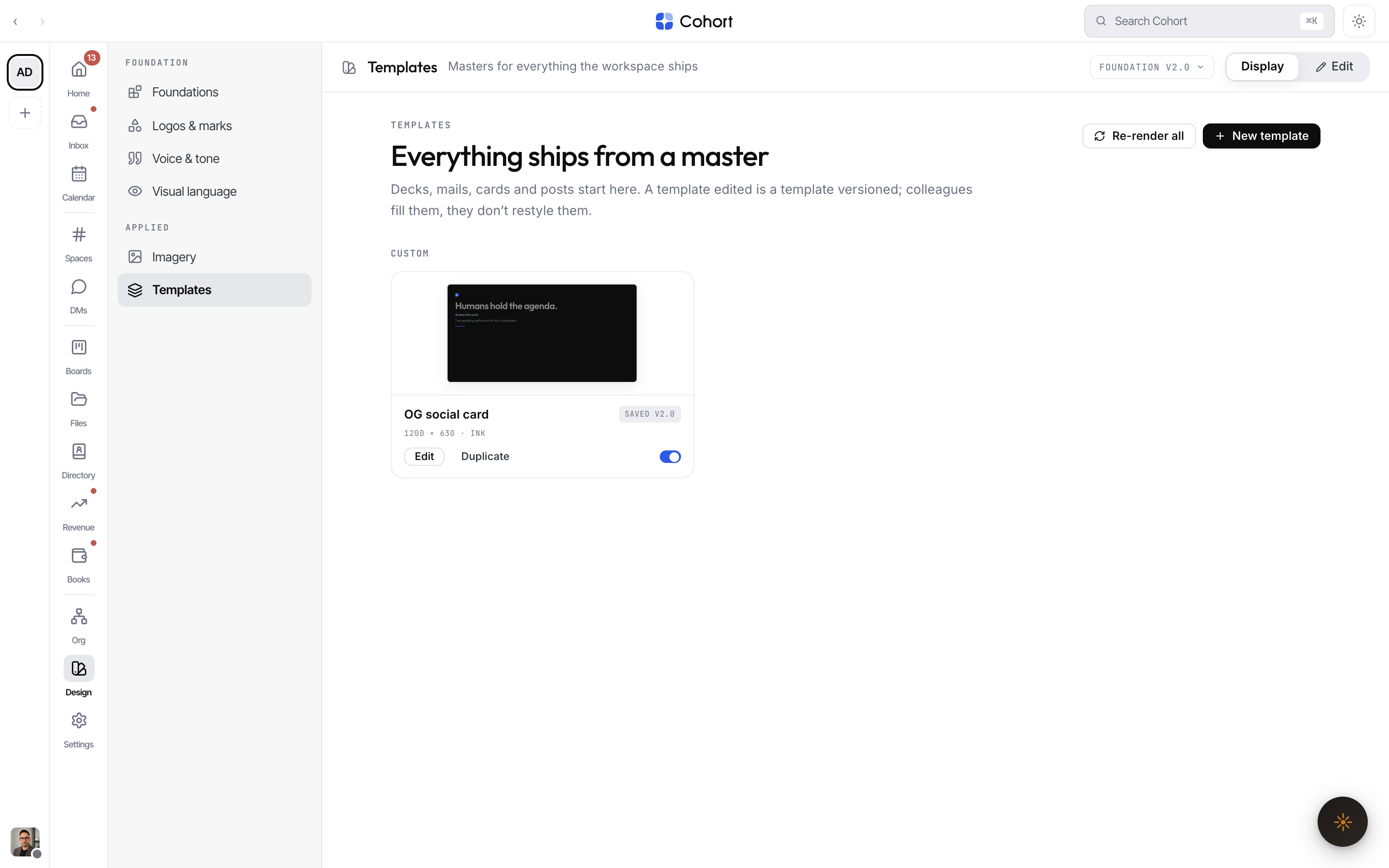
Cards are grouped as Correspondence, Social & share, Decks & print, and Custom — Custom is where everything you build or duplicate lands. Every card carries a status chip:
| Chip | Meaning | | ------ | ---------------------------------------------------------------------------------- | | OK | Rendered against the current foundation version. | | REGEN | The foundation moved since this render — a re-render will pick up the new version. | | EDITED | A colleague changed this template's own content. | | NEW | Built in this workspace, not part of the seeded set. |
While a re-render job runs, every card reads REGENERATING — nothing on screen is known-current until it finishes.
Hover a card to download it as an image — a real PNG or JPEG captured at the template's true pixel size, not the scaled preview. A failed capture tells you so; it never silently downloads a blank.
How brand resolution works
A template never stores colours. It stores roles — primary, ink, canvas, accent — and the resolver maps those roles onto the saved foundation's typed palette, neutrals and typefaces when the template renders. One resolver serves every consumer: the gallery preview, the server render an agent requests, and the exported brand kit. That is the guarantee that a template on screen, a template an agent renders, and tokens.css in the kit all agree.
Build a template
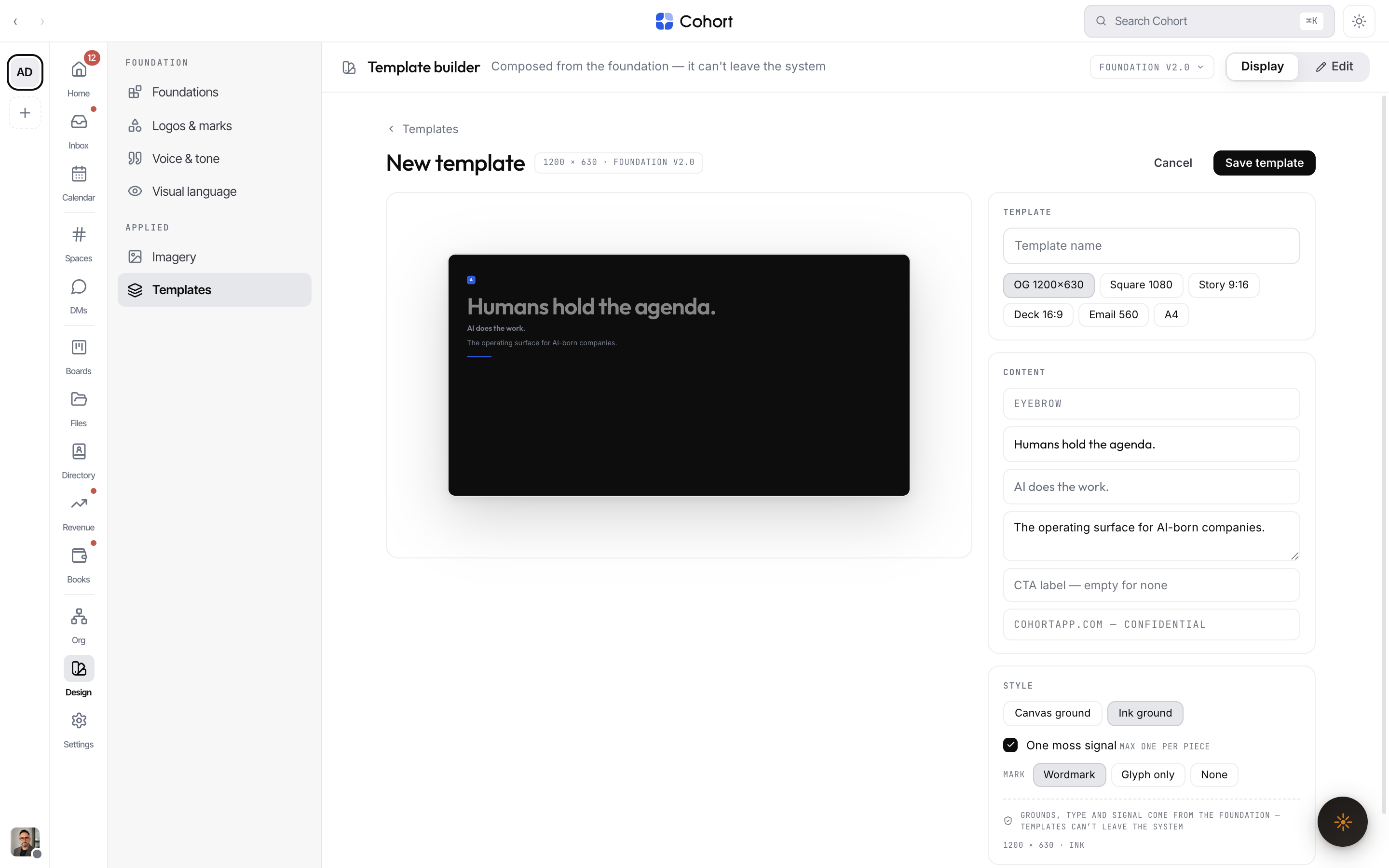
- Open Templates and choose New template
The builder replaces the whole content column. It is not a modal: Escape and outside clicks do not dismiss it, because a half-built master is work.
- Pick a base format
Six bases set the canvas: OG card, social, story, deck, email, letter. The stage scales the true canvas to fit — a story stays a narrow column, a deck runs wide.
- Compose the plate
Choose the ground, the mark placement and the text slots. The live preview is the same renderer the gallery and the server use — what you see is what persists and what agents will render.
- Name it and save
The spec chip records the foundation version you built against (for example FOUNDATION V2.4). Saving files it under Custom, visible to colleagues immediately, with a ledger receipt.
Editing an existing template opens the same builder on its saved plate; saving updates the master and colleagues pick it up at once.
The preview renders against the foundation your colleagues have — not your unsaved edit session — because a template is a master other people generate from. Save the foundation first if you want to build against a change.
Saving a new foundation version flips rendered cards to REGEN until the next re-render. That is the freshness system working, not something to fix.