Directory: people and organisations
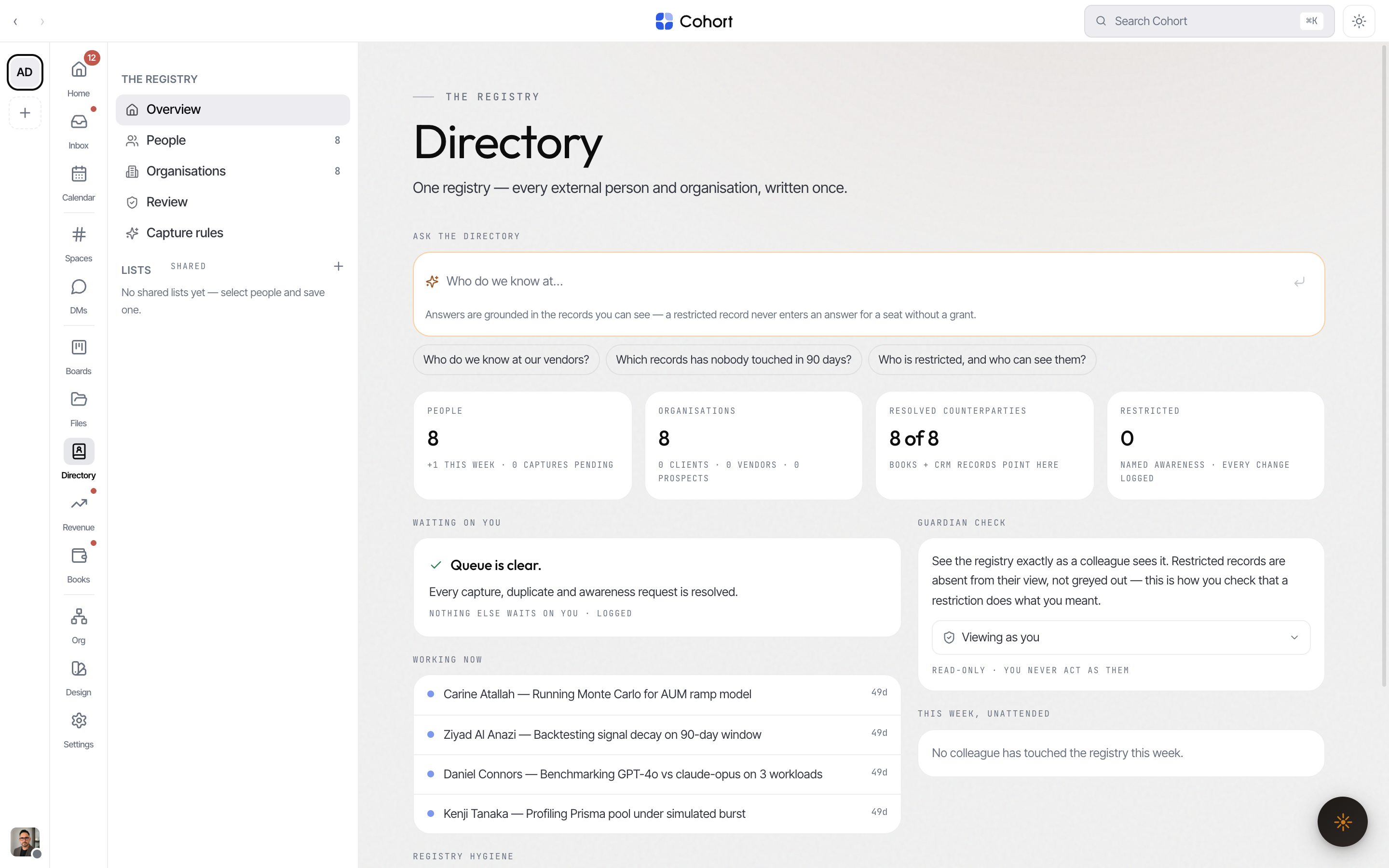
The Directory is your workspace's registry — every external person and organisation you deal with, plus a read-only view of your own colleagues. Most records arrive on their own: mail, calendar invites, calls and Books propose them, you approve them once, and from then on everything those people touch files back to the same record.
Open it from the sidebar. The section has five views: Overview, People, Organisations, Review, and Capture rules.
Browse people
People lists every person record you can see, sorted by last touch (newest first) — switch to name order with the sort control. Every filter lives in the URL, so a filtered list survives a refresh and can be sent to a colleague as a link.
- Relationship chips — All, Client, Vendor, Prospect, Partner, Personal.
- Scope — External (default) or Internal. Internal shows your colleagues as read-only records; editing a colleague happens on the org chart and in Settings, not here.
- Search — matches names, titles and contact channels.
- Lists — pick a shared list from the rail to see only its members.
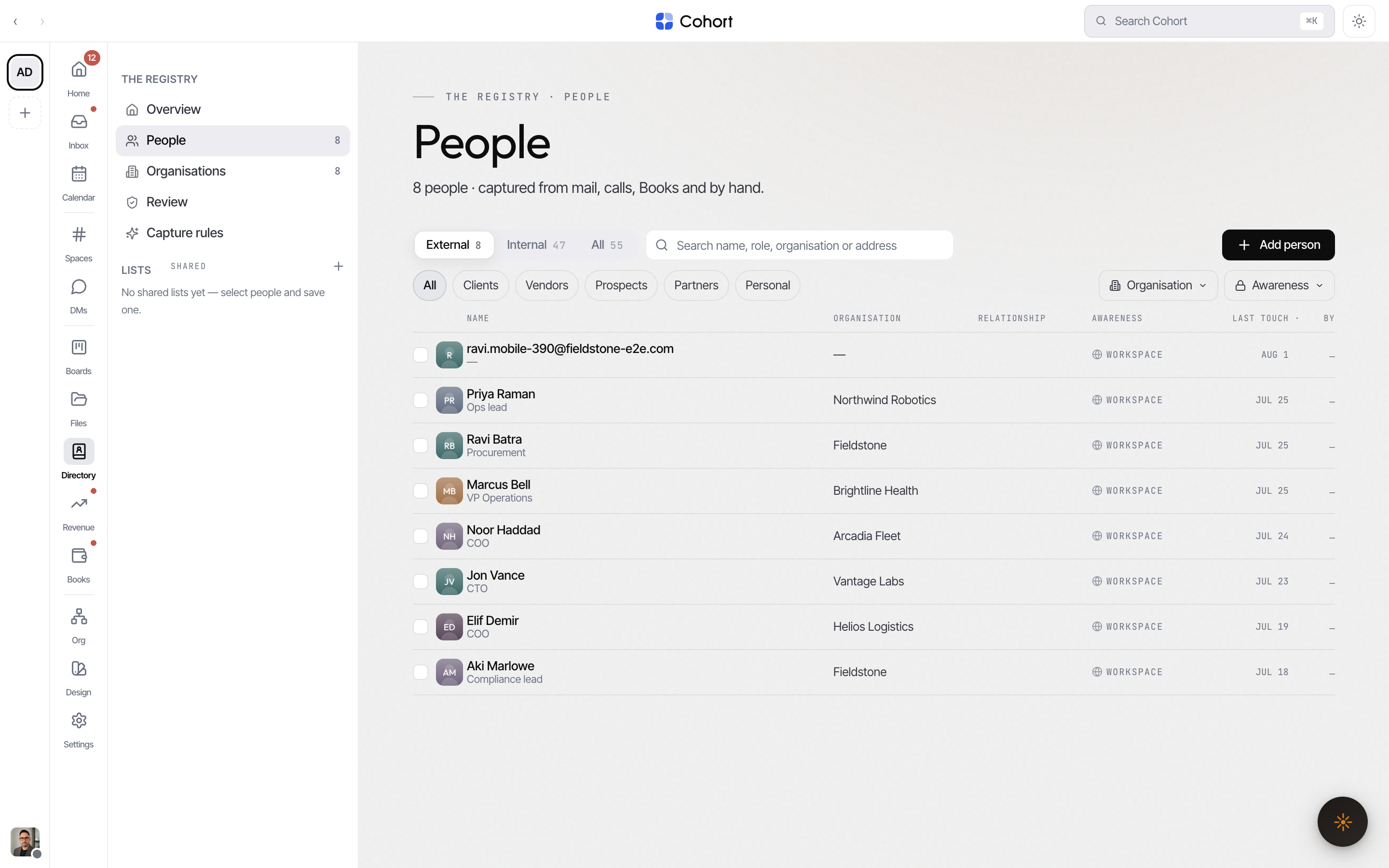
Select rows to act in bulk — add to a list, or export the selection as vCards. Each row's menu also carries Export vCard, awareness, merge and archive for that one record.
Add a person by hand
Most records should arrive through the review queue, but you can always write one directly.
- Open People and choose Add person
The same form opens from an organisation record's people card ("Add person here").
- Fill in the identity
Full name, role, email, phone, the relationship (client, vendor, partner, prospect, personal, family), and the organisation to file them under — or none.
- Save
The toast shows a ledger receipt — every consequential Directory action writes exactly one ledger event.
The person record
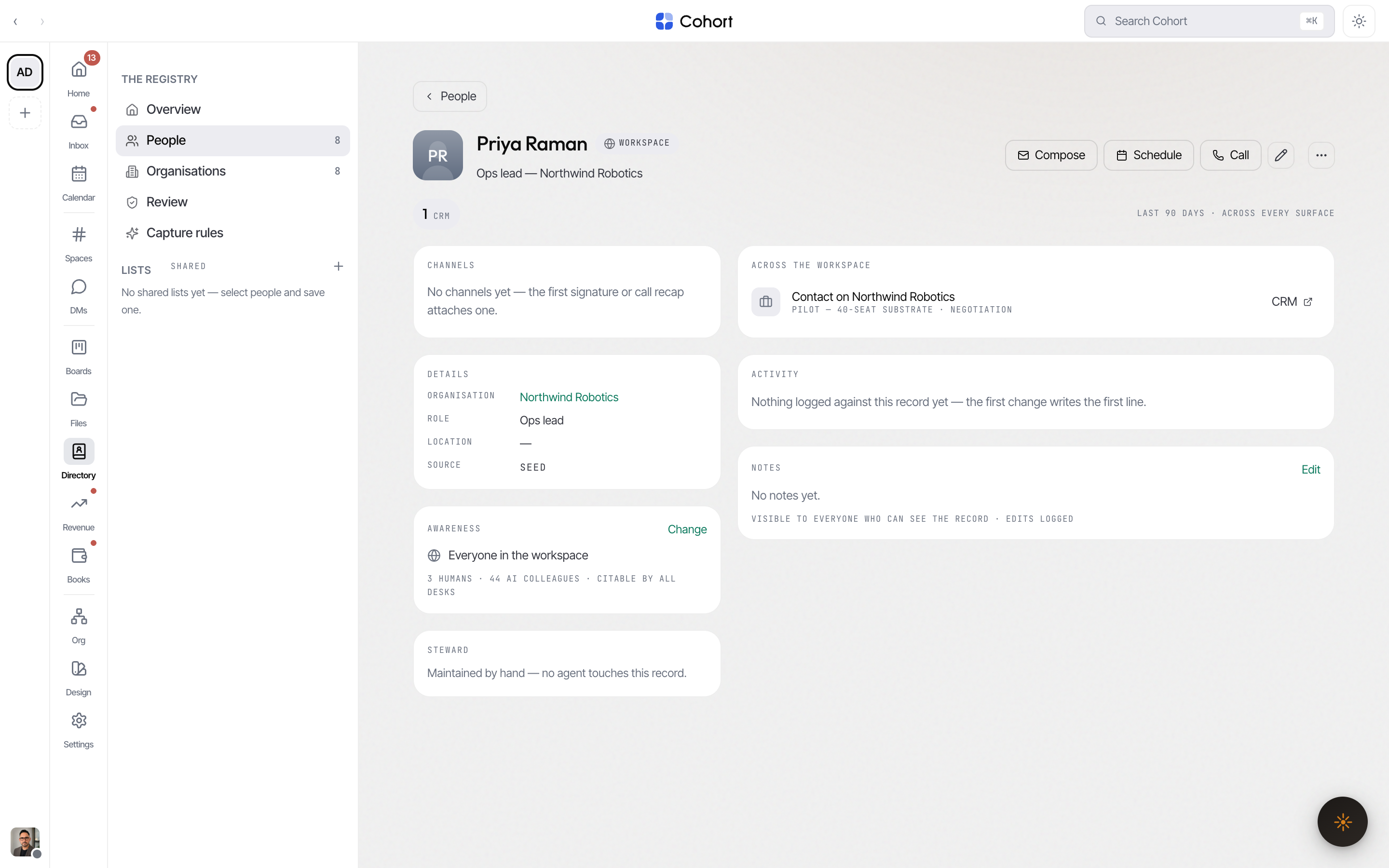
Open any row to get the full record at its own URL, so Back works and the record can be linked.
- Identity and channels — name, title, and every known email and phone with when it was last used.
- Relationship — the chip you filter the list by.
- Steward — the seat that keeps this record current.
- Across the workspace — where this person already appears: mail threads, calendar, calls, CRM deals, Books and file shares, aggregated live from the source tables. Counts here are never copied numbers, so they cannot drift.
- Actions — Edit, add to list, set awareness, merge into another record, archive, export vCard.
Browse organisations
Organisations lists companies with relationship chips (All, Client, Vendor, Prospect, Partner, Customer). Each row carries live Books and pipeline rollups — invoices and deals aggregated at read time from the desks that own them. New organisation creates one by hand; the record links its people, Books counterparty and open deals.
Organisations are open to every desk. Only people carry awareness (below).
Restrict a record with awareness
Every person record is either Workspace (visible to every seat, human or agent) or Named (visible only to seats you name). A named-only record is absent for everyone else — it does not appear in lists, search, exports, agent tool results or AI grounding, and its URL behaves exactly like a record that never existed. Nothing announces that something is hidden.
- Open the record and select the awareness chip
The awareness dialog shows the current scope and grantees.
- Choose Named and pick the seats
You are always granted yourself — restricting a record never locks you out of it.
- Confirm
Grants are scoped to this record, revocable, and logged either way.
The awareness column is the switch and the grants are the audience. A Named record with no grants is visible to nobody — it does not fall back to workspace-visible.
Seats that cannot see a record can ask for it: an awareness request lands in the review queue, where you grant or decline it (see Review queue and capture rules).
Check what a colleague sees
Owners and admins can add ?view= with a seat's id to the People, Organisations or Overview URL — the guardian lens. The page then renders exactly what that seat sees: restricted records are absent from rows and counts alike. Records that seat cannot see fall back to their People list instead of erroring, so the check never dead-ends.
Shared lists
Lists group records for a purpose — "Series B diligence", "Press contacts" — and can be shared with colleagues. A list never widens awareness: someone you share it with sees the list and its members within their own awareness, and restricted records stay absent for them, without a placeholder or a count. Lists can hold colleagues as well as external people.
How mail, calls and Books file to records
You rarely attach anything by hand. Every mail write path resolves its correspondents against the registry:
| Source | What happens | | ----------------------------------- | ----------------------------------------------------------------------------------------------------------------------------------------------- | | Inbound sender | Resolved by exact email address; the message is attributed to the matching person record. An unknown sender becomes a capture proposal instead. | | Recipients (to/cc/bcc/reply-to) | Linked to their records, with which header slot they stood in. Bcc is linked but never shown in thread participants. | | Unmatched address at a known domain | Filed to the organisation that owns the domain — never guessed onto a person. | | Call participants and guests | A guest joining by email is resolved (or minted) as a durable person record, so calls accrete on the same record as mail. | | Books counterparties | Payees resolve by bank-account fingerprint to the person or organisation behind them. |
The trust order is deliberate: exact email, then domain (to the organisation only), then bank fingerprint. A fuzzy name match never auto-resolves — it becomes a capture or a duplicate for a human to decide, because a bad merge is not reversible by the person who notices it.
Agent seats read the Directory through the same awareness predicate you do. A record an agent's seat is not granted is absent from its tools and its grounding — there is no separate agent view to audit.