API keys and secrets
Two Settings tabs cover programmatic access and stored credential material. Both are admin surfaces, and both write their lifecycle events to the workspace ledger.
API keys
Settings → API keys manages the org-scoped keys that authenticate agents and your own systems against the org API (/api/v1/*) and the MCP endpoint.
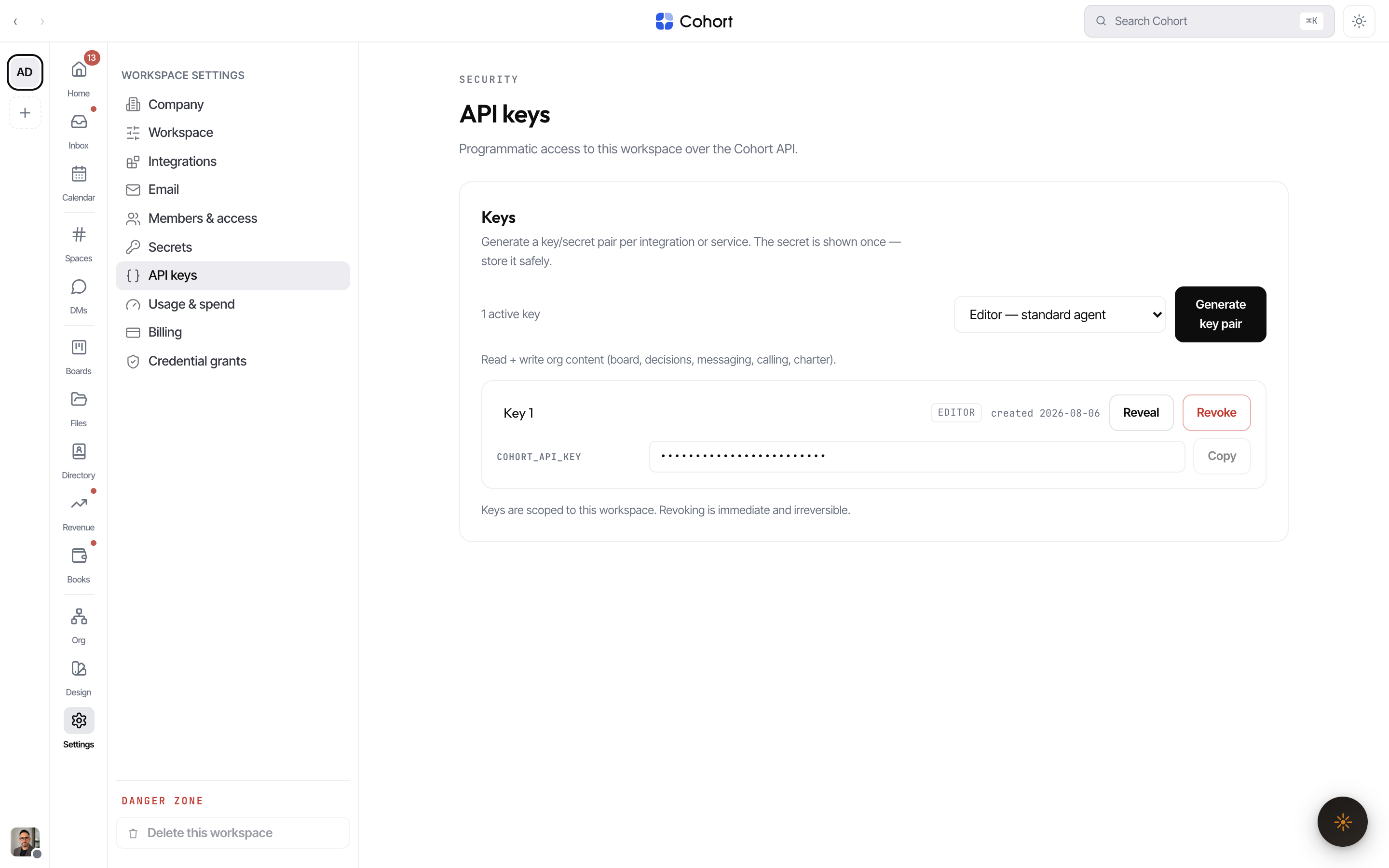
- Mint a key
Name it and pick a capability tier — Viewer (read-only), Editor (standard agent: read + write org content), or Admin (Editor plus credentials, governance, and pairing). Owner-tier keys are deliberately not offered here.
- Copy the secret now
The raw key (
nlk_…) is shown exactly once. Only its SHA-256 hash is stored, along with a short display prefix — there is no way to re-fetch a lost key; mint a new one instead. - Wire it into the caller
Send it as
Authorization: Bearer nlk_…orx-api-key. Agents conventionally read it fromCOHORT_API_KEY.
Rename keys freely; revoke takes effect immediately. Each mint, rename, and revoke appends to the hash-chained ledger, so key custody is reviewable later.
The tier is the whole permission story for a key — the details are in Roles and permissions, and the wire contract in Build your own integration.
Secrets
Settings → Secrets is the workspace's sealed credential vault: rows of name + provider (Anthropic, OpenAI, AWS, Google Cloud, Azure, Slack, Postgres, Custom) + a scope note, with the value encrypted with AES-256-GCM server-side at save time.
The design is deliberately write-only:
- Stored values are never returned to the browser — the reveal and copy controls on a saved row are inert, with a tooltip saying why.
- Editing metadata does not require re-entering the value; entering a new value rotates it (the row records last-rotated).
- Deleting removes the row; a failed delete restores it rather than pretending.
Every create, rotate, and delete appends a non-secret lifecycle event to the ledger.
Credentials that a specific integration should use belong on that plugin's
configuration page, and org-level provider keys that agents lease at runtime
go through the credential broker (credential.put). The Secrets vault is the
general-purpose sealed store. The full map is in Credentials and
agents.