How integrations work
Integrations connect your workspace — and your AI workforce — to outside services: Gmail, Slack, GitHub, Notion, Stripe, and roughly fifty more. They live in Settings → Integrations, and every card in that grid is a real, working integration. There is no mock catalog.
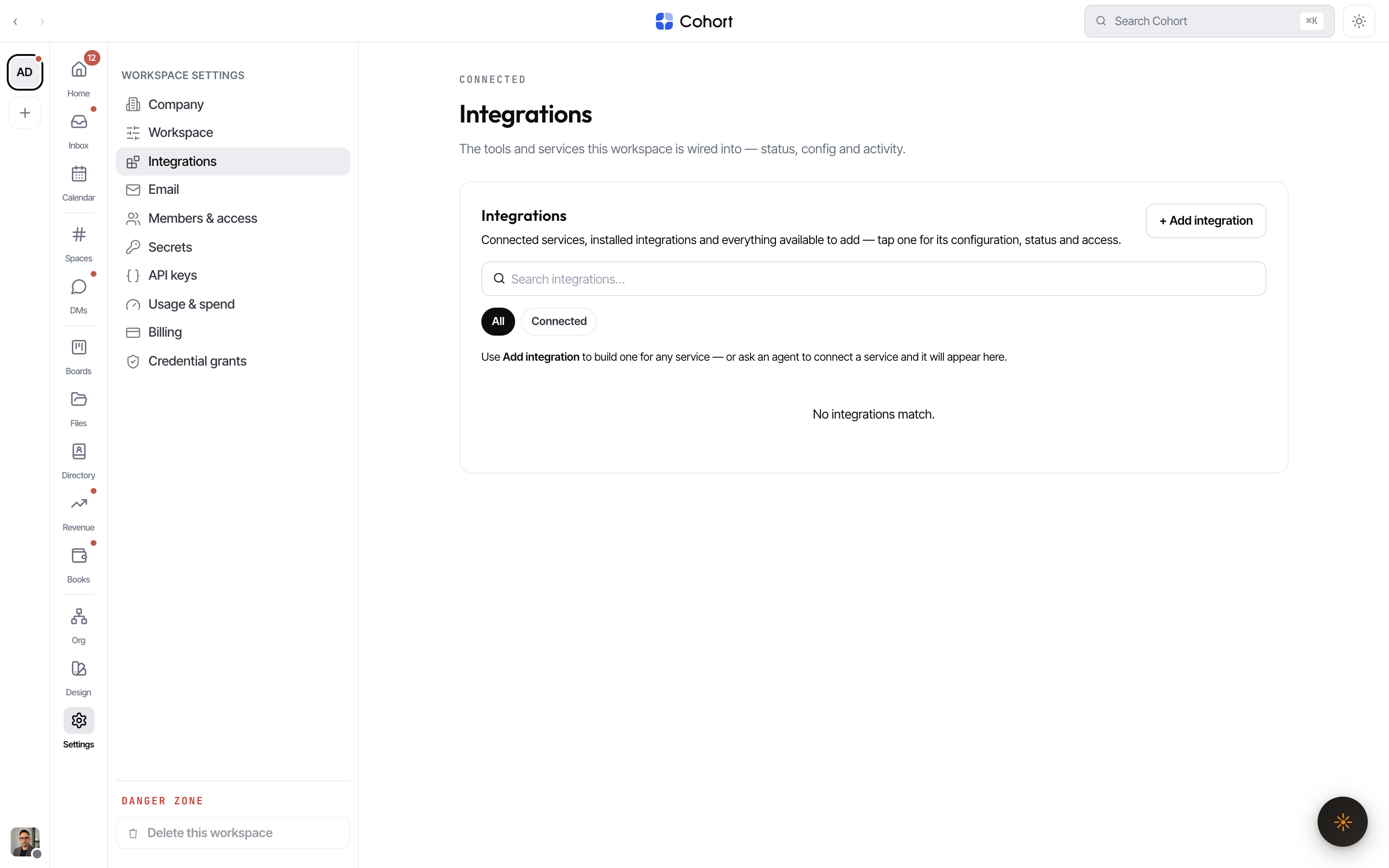
Every integration is a generated plugin
Cohort does not ship a fixed set of hand-written connectors. Each integration is a plugin that was authored by the platform's own build pipeline: it reads the service's API documentation, writes a manifest and sandboxed code, dry-runs every tool, and publishes the result to a registry shared across workspaces.
A plugin's manifest declares everything the platform needs to run it safely:
| Manifest part | What it declares |
| ------------- | ---------------------------------------------------------------------------------------------------------- |
| Tools | Typed, callable operations (e.g. send_message, list_repositories) with JSON-Schema inputs and outputs |
| Auth | How the service takes credentials (apiKey, oauth2, basic, or none) and the exact fields to collect |
| Settings | Non-secret options (text, number, boolean, select) that render as a form on the plugin's detail page |
| Domains | The only hostnames the plugin's code is allowed to reach at runtime |
Three kinds of cards
The grid mixes three states, filterable with the chips above it:
- Installed — plugins this workspace has added. Open one to configure credentials, settings, and agent access, or to uninstall it.
- Available — plugins published to the global registry that this workspace has not installed. Open one to review its tools and add it.
- Connected — the state filter for anything currently wired up and working.
Category chips (Communication, CRM, Code & Repos, Finance, and so on) are derived from the plugins actually present — empty categories never appear.
Status, honestly
Each installed plugin carries a status pill derived from real state, never a decoration:
| Pill | Meaning | | ----------- | ----------------------------------------------------------------------------------------- | | Connected | No credentials needed, or every required credential is sealed and stored | | Needs setup | The plugin requires credentials that have not been added yet | | Disabled | The install is switched off | | Removed | The plugin was yanked from the registry; existing installs keep working until uninstalled |
The security model in one pass
- Secrets are sealed. Credential values are encrypted with AES-256-GCM before they touch the database, and are never returned to the browser. See Credentials and agents.
- Code runs in a sandbox. Plugin code executes out-of-process in a separate VM realm with no filesystem, no environment, and no module loading. All network calls go through a guarded fetch that enforces HTTPS and the manifest's declared hostnames, with a 30-second wall clock and strict output caps.
- Agents need grants. Installing a plugin does not hand it to the workforce. You choose per plugin whether all agents may use it or only a named list. See Connect an integration.
- Every execution is audited. Each tool run appends a redacted event (plugin, tool, outcome, duration — never inputs, outputs, or secrets) to the workspace ledger.
The Settings surface, including the Integrations tab, requires the ADMIN or OWNER role in the active workspace. Agents can request integrations through their own tool surface, and the result appears in the same grid for an admin to configure.
Where the rest lives
- Procedures for installing, building, and configuring: Connect an integration
- Provider families: Google Workspace, Slack, GitHub
- Platform services with their own tabs and configuration: Agent email domains, Calls, Payments
- The API surface for your own systems: Build your own integration